
Requirements-based comparison and recommendation
Platform & CMS Development
Platform and CMS development: the right platform, built and maintained properly
Your CMS decides how easily your team can publish, how fast your site runs and what it can connect to. We give independent platform advice, then build, migrate and support websites on Webflow, WordPress, HubSpot CMS, Shopify and DatoCMS, based on what fits your business, not what we’re locked into.
Platform & CMS Development is often treated as an afterthought.
That’s where things start to fall apart.
- A CMS chosen because the last agency preferred it
- Plugins and patches that nobody wants to touch
- Editors who need a developer for simple changes
- Platforms that can’t connect to your CRM
It should be built properly, as part of a connected system.
What the right platform gives you
- Easy, safe publishing for your team
- Fast, secure and accessible pages
- Clean integration with CRM and marketing tools
- Room to grow without a rebuild
Our approach

Webflow, WordPress, Squarespace and HubSpot CMS
We work across major platforms and recommend based on fit, not preference.

Platform migrations
Migrations planned with full redirect mapping to protect search performance.

Clean, maintainable code
Code built to be handed over and maintained, not just to work on day one.
What’s included
What’s included in platform & cms development
Platform selection
Webflow development
WordPress development
HubSpot CMS development
Shopify development
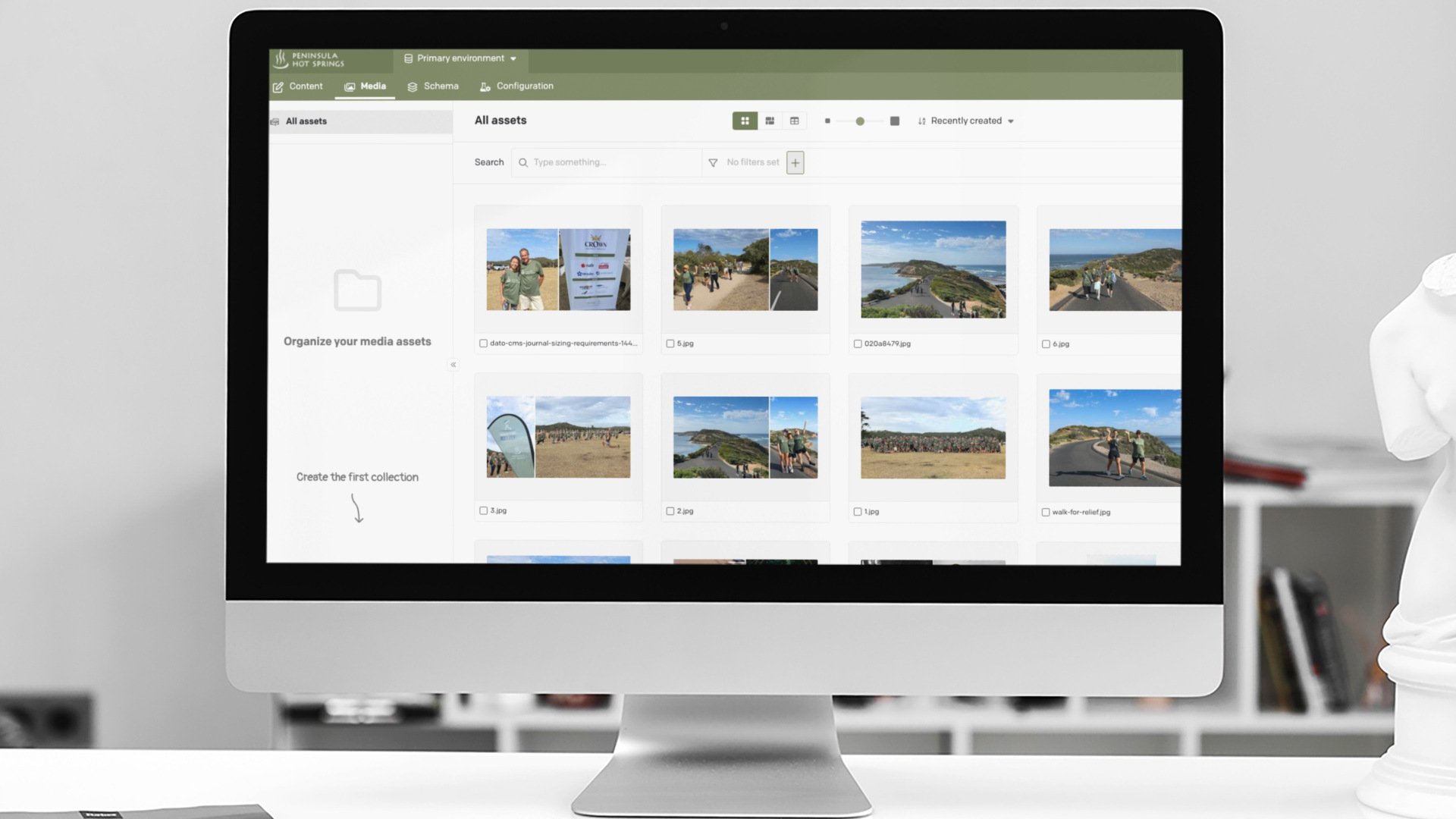
Headless CMS with DatoCMS
CMS migration
Content, URLs and SEO protected
Maintenance and support
Updates, security and performance

Work: BMW Bodyshop Portal
Allows content to be published to the right people and to manage their accredited teams around Australia.
Frequently asked questions
About Platform & CMS Development
How do you decide which CMS is right for our business?
The decision depends on your team's technical capability and integration needs — see Website Design & Development for how this fits into a build overall.
Can we migrate from WordPress to Webflow, or vice versa?
Yes — migrations between major platforms are common, with content mapped and redirects configured to protect existing SEO performance during the switch.
Does HubSpot CMS make sense if we're not using HubSpot for anything else?
It can, but the strongest case for HubSpot CMS is when it's already central to your CRM and marketing automation, since that's where the integration benefit is greatest.
How often does a CMS need to be updated or maintained?
Regularly — security patches and platform updates should be applied on an ongoing basis, which is why technical support is typically scoped as an ongoing arrangement.
Can a CMS migration be done without downtime?
In most cases yes, with careful planning and a staged cutover, though a brief maintenance window is sometimes needed depending on the platforms involved.
Does platform choice affect website loading speed?
Yes — some platforms are inherently faster than others depending on configuration, which connects directly to technical SEO performance.
Can we bring our own developer to manage the CMS after handover?
Yes — proper documentation and clean, maintainable code is provided so any competent developer can take over ongoing management if preferred.
Does Squarespace support ecommerce as well as content pages?
Yes, to a degree — Squarespace suits simpler ecommerce needs, while more complex catalogues are usually better served by the platforms covered under Ecommerce Solutions.
What's involved in a CMS health check for an existing site?
A review of plugin or app bloat, security vulnerabilities, page speed and content structure, identifying what's worth fixing versus what justifies a fuller rebuild.
Does DatoCMS or headless CMS make sense for our business?
Headless CMS suits businesses needing content across multiple platforms (web, app, other channels) from one source — most standard websites don't need this added complexity.
Which CMS is best for my business?
It depends on your content, integrations, team and budget. Webflow suits design-led marketing sites, WordPress suits content-heavy and flexible sites, HubSpot CMS suits HubSpot CRM users, Shopify suits eCommerce, and DatoCMS suits multi-site or multi-channel content.
Can you migrate us from one CMS to another?
Yes. We migrate content, media and URLs, set up redirects to protect SEO, and train your team on the new platform.
What is a headless CMS?
A headless CMS stores content separately from the website’s front end, so the same content can power websites, apps and other channels. DatoCMS is our preferred headless platform.