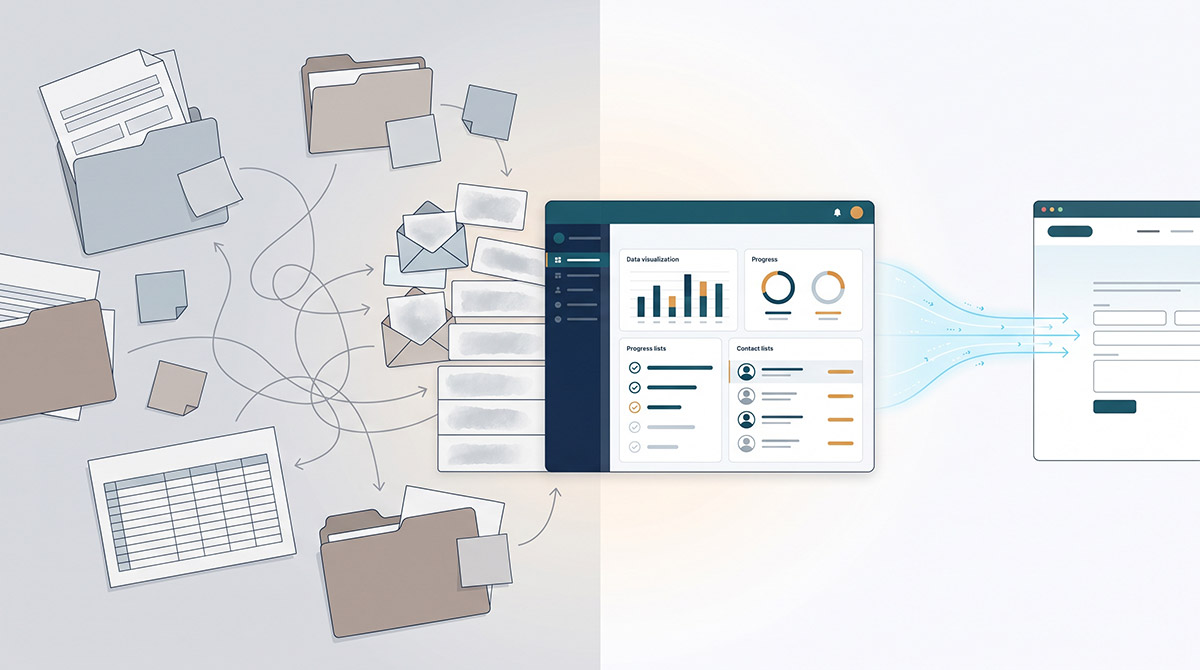
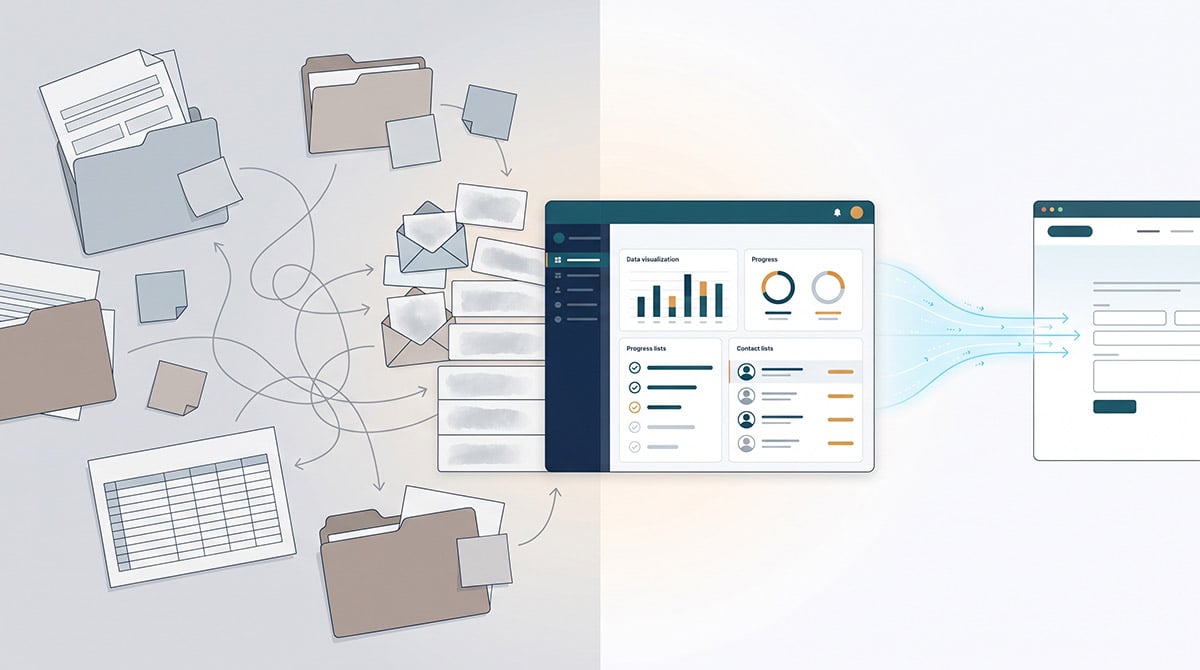

Most organisations don't set out to handle leads manually. It happens gradually. A contact form gets built, it emails a sales inbox, someone forwards it to the right person, and eventually that person adds it to a spreadsheet or the CRM if they remember. Multiply that across every form, every booking, every download, and every call-back request on the site, and you've got a lead process that depends entirely on people remembering to do the copy-paste.
This is the pain we hear most often from marketing and digital leads: the website, CRM and marketing tools were never actually integrated, so leads and customer data get handled by hand. It's not a small inconvenience. It means slower response times, leads that quietly disappear, and a marketing team that can't accurately report on where pipeline is coming from because half of it isn't in the CRM at all.
A website CRM integration is not a nice-to-have feature. It's the fix for a genuine operational gap between the system that generates interest (your website) and the system that's supposed to manage it (your CRM).
What a Website CRM Integration Actually Is
At its simplest, a website CRM integration connects the forms, chat, bookings and tracking on your website directly to your CRM, so that every interaction creates or updates a record automatically. No one is exporting a CSV. No one is retyping a name and email from an inbox notification.
Done properly, it covers a few core things:
-
Form submissions flow straight into the CRM as new contacts or deals, tagged with the page, campaign or offer that generated them.
-
Existing contacts get updated rather than duplicated, so a returning visitor doesn't create a second, conflicting record.
-
Behavioural data - pages viewed, content downloaded, emails opened - attaches to the contact record so sales can see genuine context before they call.
-
Automated workflows trigger from that data, such as routing a lead to the right rep, sending a follow-up sequence, or alerting a team when a high-value action happens on the site.
This is different from just having a CRM and a website that both exist. Plenty of organisations have both and still run everything manually in between. Integration means the two systems behave as one connected ecosystem, not two separate tools with a person acting as the connector.
Why HubSpot Is Usually the Right Answer for This
There are a lot of CRM platforms on the market, and the right one depends on the business. But for organisations whose main lead source is their website, HubSpot's CMS and CRM are built to work as one system rather than two products stitched together after the fact, which is why we work as a HubSpot Solutions Partner rather than treating CRM as an afterthought bolted onto whatever platform the site runs on.
That said, platform-agnostic advice matters here too. If a business is genuinely better served by another CRM or a different combination of tools, that's the right call for that business. The point isn't to sell a single platform - it's to make sure the website and the CRM are actually talking to each other, whichever platform ends up being the right fit.
The Data Silo Problem Integration Actually Solves
A related pain shows up constantly in our conversations with marketing leads: customer data spread across five disconnected tools, with conflicting information depending on which one you check. The website has one version of a contact, the email platform has another, the spreadsheet sales uses has a third, and none of them agree.
A proper website CRM integration collapses that into one system of record. Segmentation, reporting and automation only work when they're built on complete, synchronised records - not on whichever tool happens to be open. This is also where a lot of "CRM projects" fail before they start: teams jump straight into connector setup without first mapping which systems actually hold customer data and which one should be treated as the source of truth. Planning that mapping before touching any integration settings is what separates a CRM that works from one that creates more mess than it solves.
What Good Looks Like: The Workflow in Practice
Here's what a properly connected setup looks like end to end:
-
A visitor fills in a form on the website - a contact enquiry, a quote request, a booking.
-
That submission creates or updates a contact record in the CRM instantly, with the source page and campaign attached.
-
A workflow routes the lead to the right person or team based on the form type, location or service selected.
-
Sales sees the full context - what pages they viewed, what they downloaded, when they last engaged - before making contact.
-
Follow-up emails, tasks and reminders fire automatically so no lead sits untouched because someone forgot.
-
Marketing can report on the entire funnel, from first visit to closed deal, because the data never had to be manually reconciled.
None of this requires exotic technology. It requires the website and CRM to be built and connected properly in the first place, with governance over how data flows between them built in from day one, not patched in after something breaks.
Why This Keeps Falling Through the Cracks
In our experience, website CRM integration goes wrong for a few predictable reasons:
The website and the CRM were built by different teams or agencies. When creative, development and marketing are split across separate providers, no one owns the connection between them, and accountability for a broken lead flow gets lost between parties. Our take on why a single accountable team matters is covered in our comparison of in-house teams versus hand-off agency models.
Integration was treated as a bolt-on after launch. A site gets built, goes live, performs well enough, and CRM connection becomes a "phase two" that never quite gets funded or prioritised.
The website platform itself can't support proper integration. Some platforms make CRM connections genuinely difficult without custom development, which is one of the signs a site has outgrown its platform. If that sounds familiar, it's worth reading our notes on when a rebuild is the right call versus another redesign.
Where This Fits Alongside SEO and Site Performance
A CRM integration doesn't operate in isolation from the rest of the site. If search visibility is weak, or a planned redesign risks losing existing rankings, fixing the lead-handling problem won't matter much because there won't be enough traffic reaching those forms in the first place. Technical SEO and integration need to be planned together, not treated as separate projects run by separate teams at separate times.
The same applies to platform choice. If you're building or rebuilding on Webflow, for example, CRM integration needs to be part of that build decision from the start - not something worked out afterwards. Our guide on when Webflow is the right platform for a build covers how that decision gets made properly.
What to Check Before You Start
If you're planning a website CRM integration, a few questions are worth answering before any connector gets configured:
-
What does success actually look like - fewer hours spent on manual entry, faster lead response time, fewer duplicate records? Set a baseline before you start so you can tell whether the integration actually changed anything.
-
Which systems currently touch customer data, and which one should be the source of truth going forward?
-
Does every form, booking and chat tool on the site need to connect in real time, or are some lower priority?
-
Who owns this on an ongoing basis once it's live - not just who builds it?
Answering these first is what separates an integration that works from one that creates a second data mess to clean up later.
FAQ
What is a CRM for a website?
A CRM connected to a website is a system that automatically captures every form submission, booking, chat and download from the site as a contact or deal record, rather than requiring someone to manually enter that information after the fact. It turns the website from a static brochure into a live source of sales and marketing data.
What are some good CRM tools for a website?
HubSpot is a strong fit for organisations whose main lead source is their website, because its CMS and CRM are designed to work together natively. Other CRM platforms can be the right choice depending on a business's existing tools, industry and workflow - the right platform depends on the business, not a default preference.
Will CRM be replaced by AI?
AI is increasingly built into CRM platforms to help with lead scoring, follow-up drafting and data entry, but the underlying need - a single, reliable record of every customer interaction - isn't going away. The bigger risk for most organisations isn't AI replacing the CRM, it's the CRM never being properly connected to the website in the first place.
How long does a website CRM integration take to set up?
It depends on how many forms, tools and data sources need to connect, and whether the underlying website platform supports integration cleanly. Mapping every system that touches customer data before configuration starts is the step that most affects timeline and outcome.
Do we need to rebuild our website to integrate it with a CRM?
Not always. Some platforms support CRM integration without a full rebuild, while others make it genuinely difficult without custom development. This is usually a sign the underlying platform has been outgrown rather than a reason to avoid integration altogether.